Adding Signature to Gmail
1- Open Chrome browser on your computer (if you dont have the Chrome browser installed Please click here to download it)
2- Open the link https://chrome.google.com/webstore/category/extensions
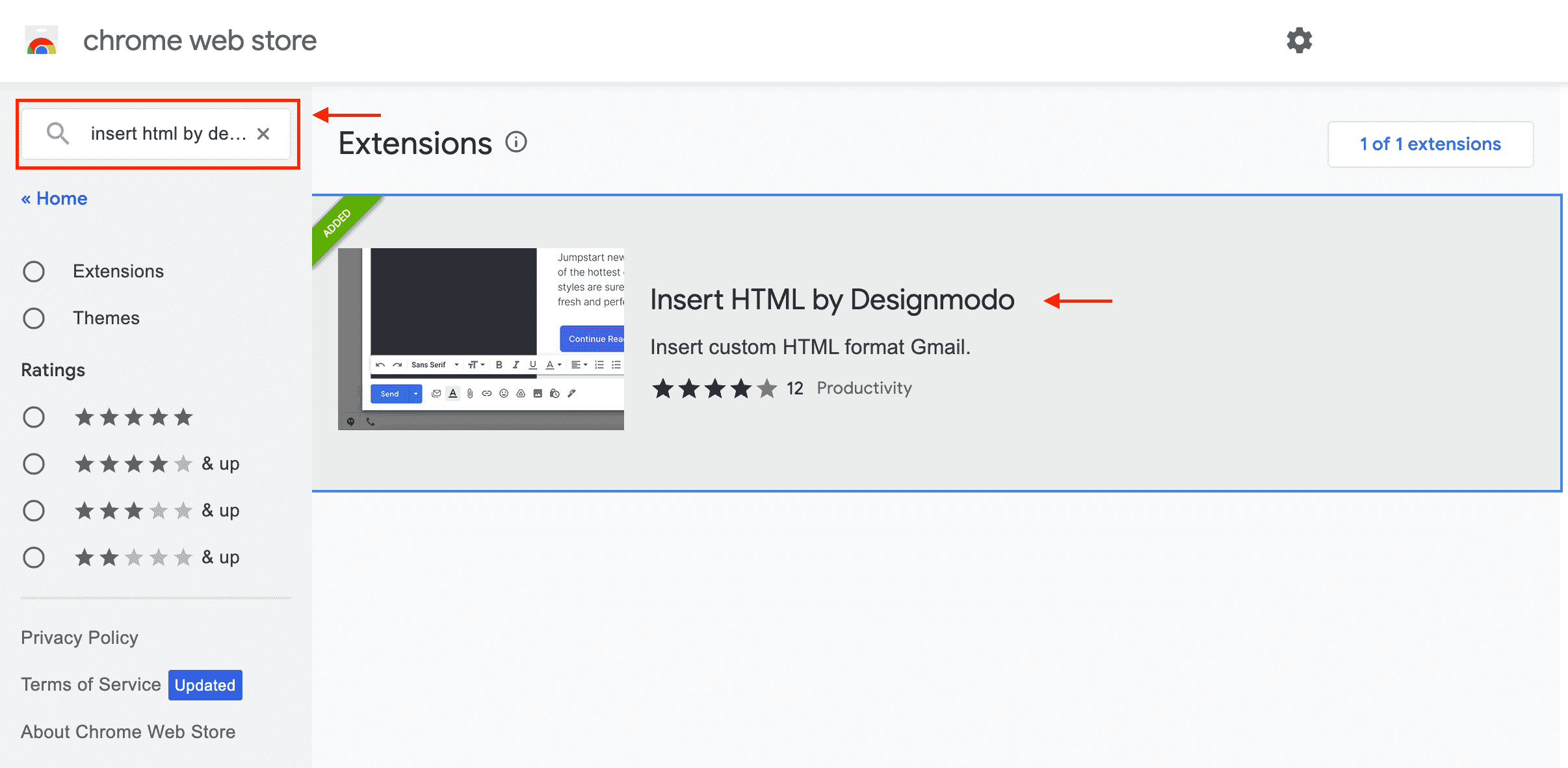
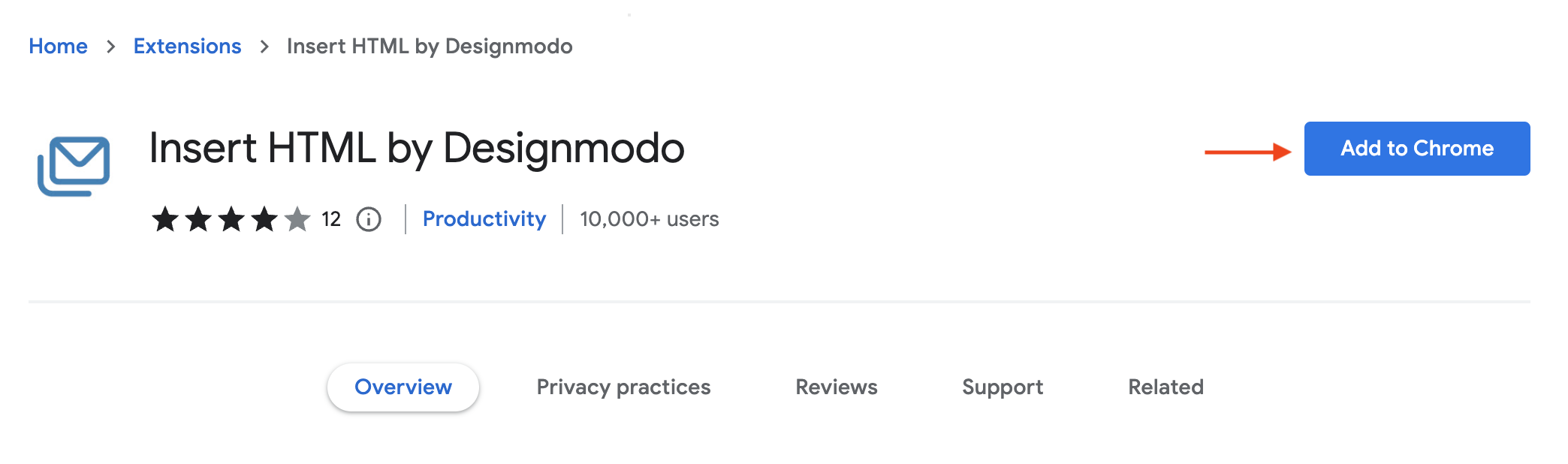
3- Search for (Insert HTML by Designmodo) - Click on the Extention and then Click the button Add to Chrome Then Click on Add extension
4- Go to your Gmail Account > Click on the gear icon (settings) > then click on the button See all settings and then scroll to the Signature section
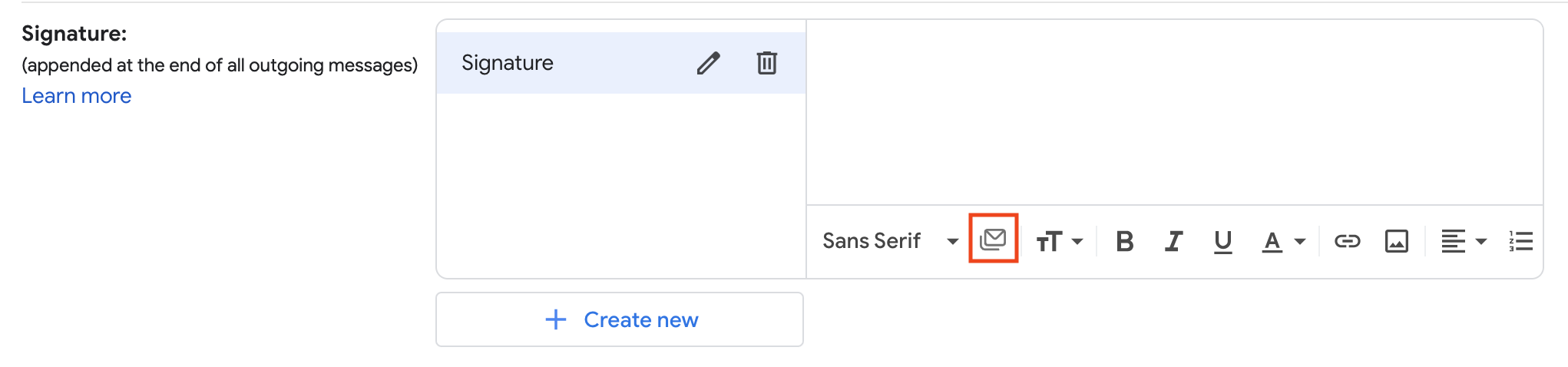
5- Click on the button Create New > Type the name of the new signature > Click on the icon  from the signature box
Note: If the icon is not visible, click on the button Compose.
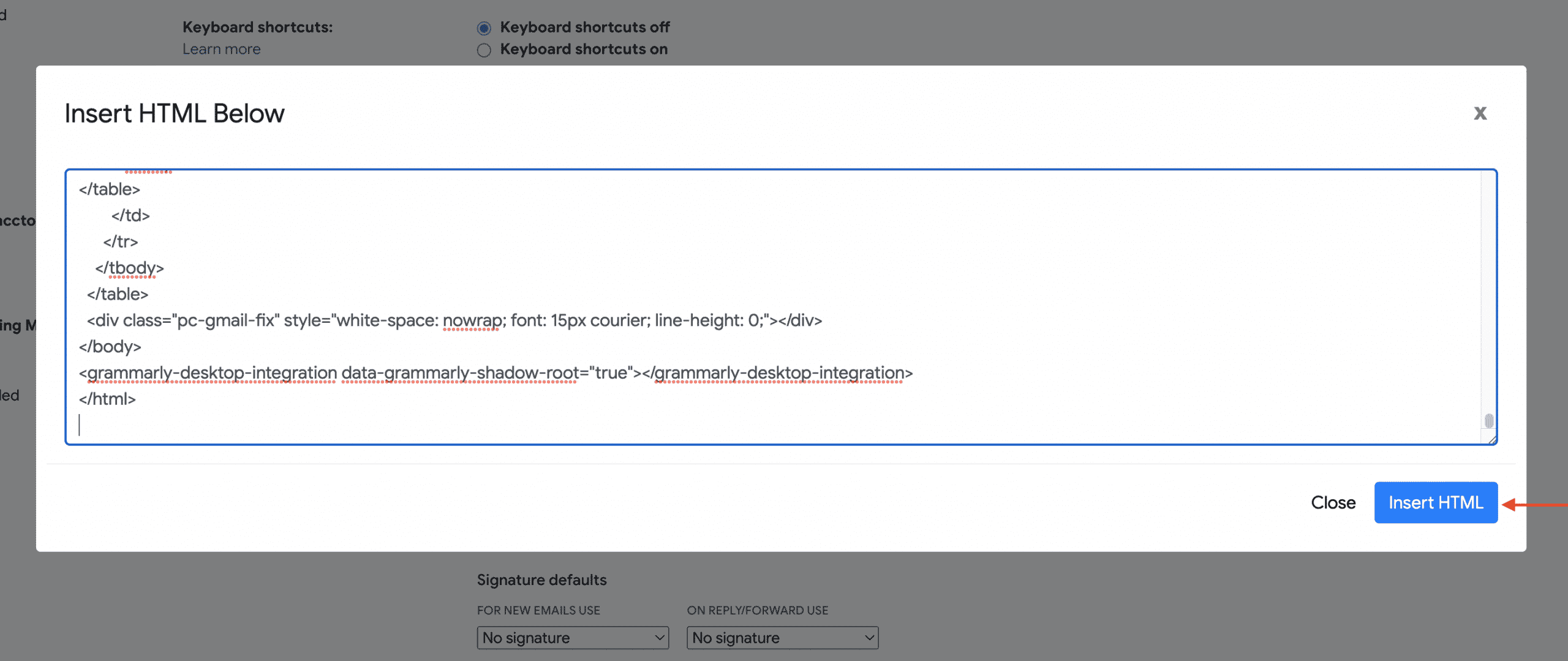
6- Paste the HTML code inside the box and click on the button Insert HTML.